Hill Helicopters Tech Walkthrough - 02 - Engineering Part 2
14:56
Related Videos
In Popular
-
Play video Bobcat Tech Overview - 02 - Manufacturing
Bobcat Tech Overview - 02 - Manufacturing
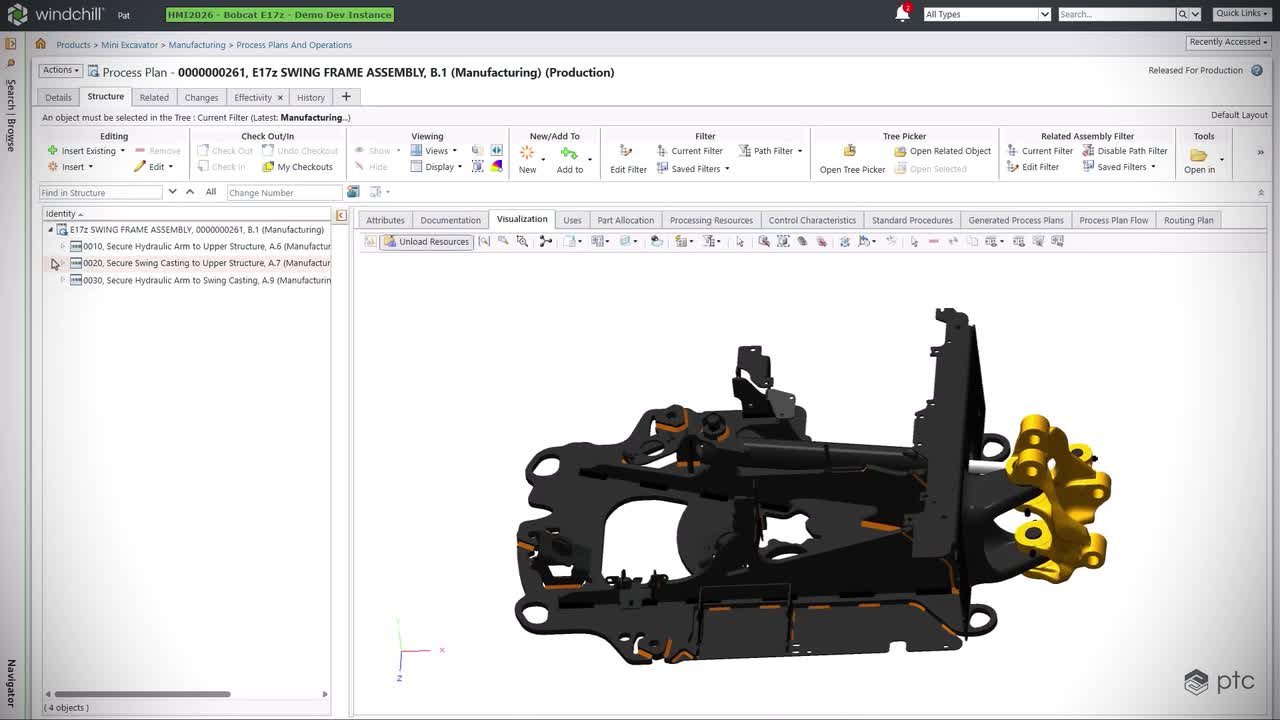
See how Windchill, Creo Illustrate, and Windchill Navigate move Bobcat’s updated E17z swing frame from engineering into production, connecting BOMs, process plans and work instructions to reduce errors, improve quality and build as intended.
2:26
-
Play video Bobcat Tech Overview - 01 - Engineering
Bobcat Tech Overview - 01 - Engineering
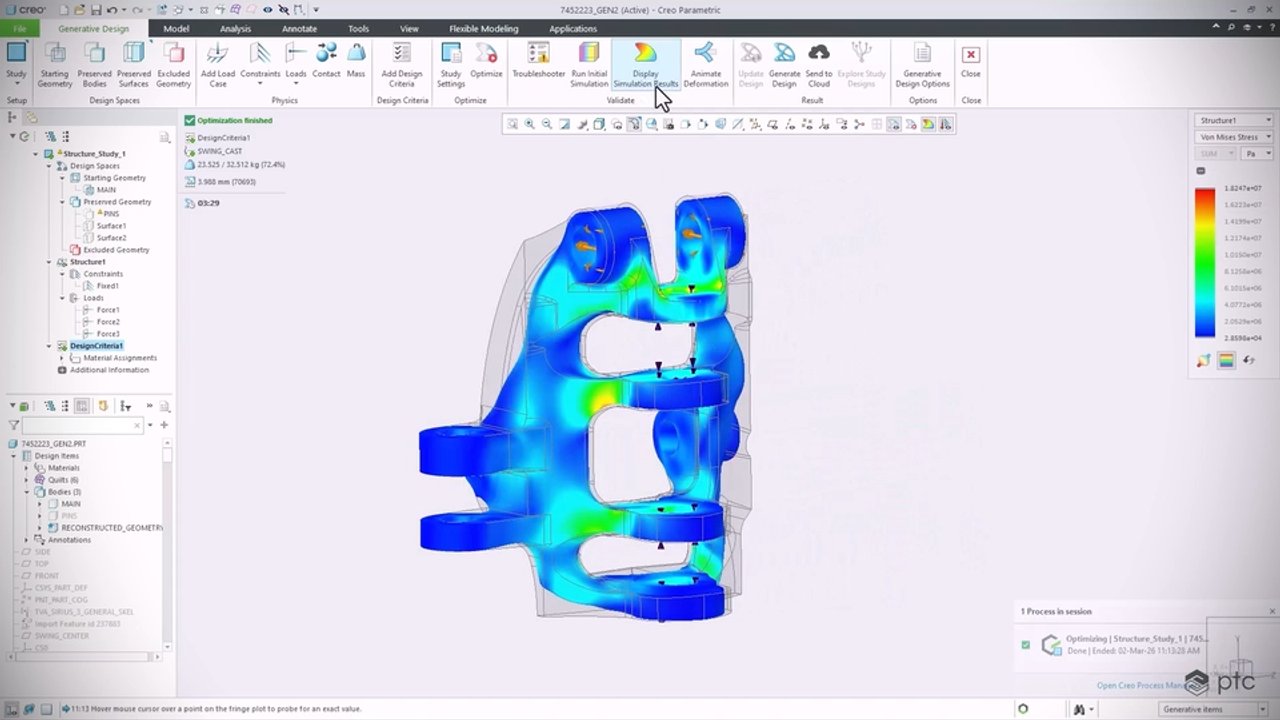
See how PTC Orbit, Windchill, Codebeamer, Creo, NVIDIA Omniverse and ServiceMax connect insight, change, design, simulation and testing for Bobcat’s E17z, enabling faster iteration, stronger validation and confident design decisions.
3:55
-
Play video Real-Time Collaboration Powered by Creo+
Real-Time Collaboration Powered by Creo+
Creo+ includes real-time design collaboration capabilities to enable multiple teams members to simultaneously review, explore and edit assemblies in a secure environment. Put the power of the cloud to work for you, with Creo+.
1:15
-
Play video Creo Parametric Showcase
Creo Parametric Showcase
The flagship application in the Creo Suite, Creo Parametric is the only software you need for 3D CAD. Accelerate innovation and build better products faster, while Creo seamlessly takes you from product design to manufacturing and beyond.
9:54
-
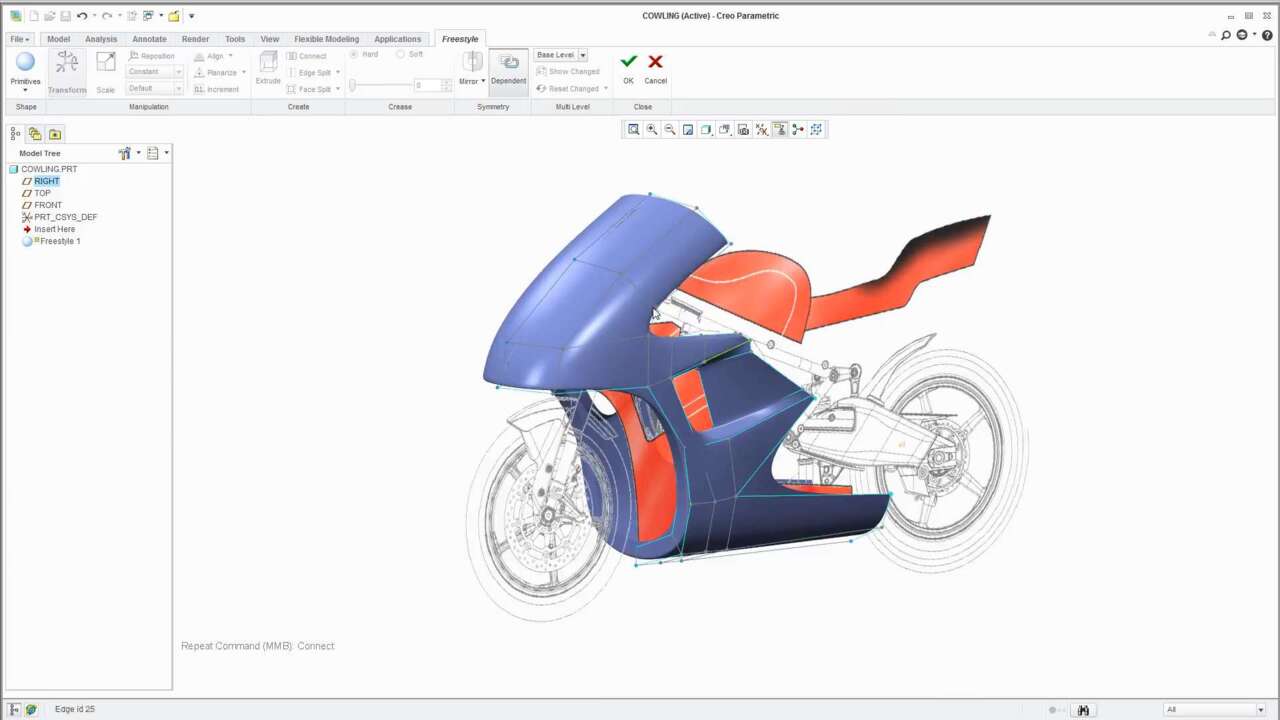
Play video Freestyle In Action
Freestyle In Action
Creo Freestyle automatically creates curvature and continuous manufacturable surfaces. Produce beautiful production ready surfaces that compel customer attention.
2:52
-
Play video Mathcad Prime 10: What's New
Mathcad Prime 10: What's New
Calculations are at the heart of engineering and PTC Mathcad lets you perform, analyze, document, and share your calculations easily.
5:42