Simulation with Creo
3:41
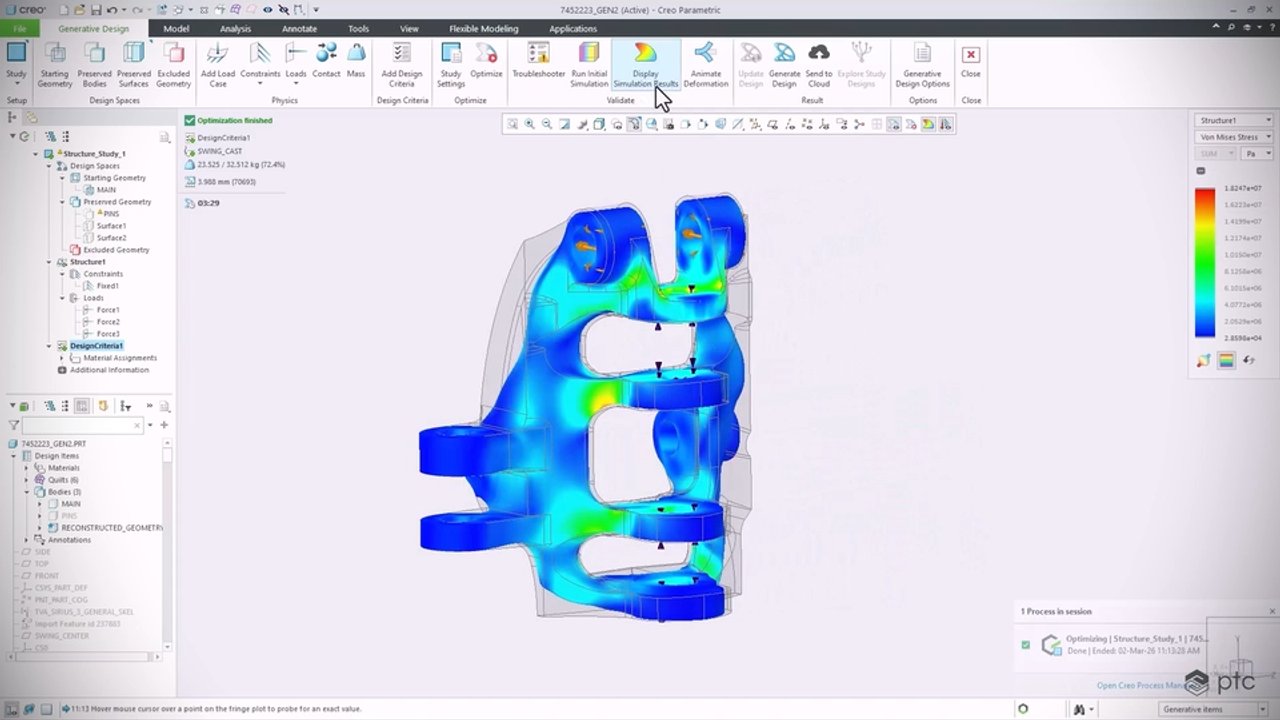
Watch the extensive simulation capabilities in Creo that enable designers to easily analyze both parts and assemblies.
Related Videos
In Popular
-
Play video What's New in PTC Mathcad Prime 11
What's New in PTC Mathcad Prime 11
PTC Mathcad Prime 11 includes manual calculation mode, custom unit systems and Python for advanced control scripting. Solve, analyze, document, and share your engineering calculations with PTC Mathcad Prime.
4:32
-
Play video Bobcat Tech Overview - 02 - Manufacturing
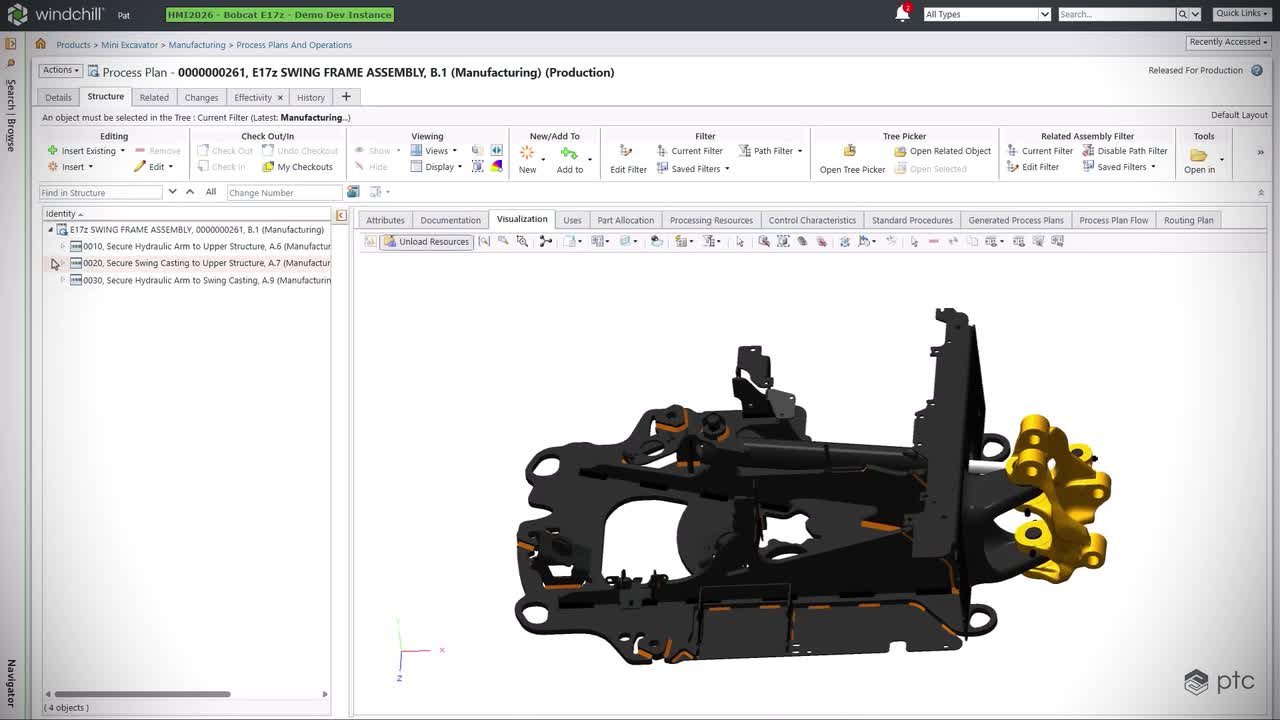
Bobcat Tech Overview - 02 - Manufacturing
See how Windchill, Creo Illustrate, and Windchill Navigate move Bobcat’s updated E17z swing frame from engineering into production, connecting BOMs, process plans and work instructions to reduce errors, improve quality and build as intended.
2:26
-
Play video PTC Full Product Portfolio Walkthrough
PTC Full Product Portfolio Walkthrough
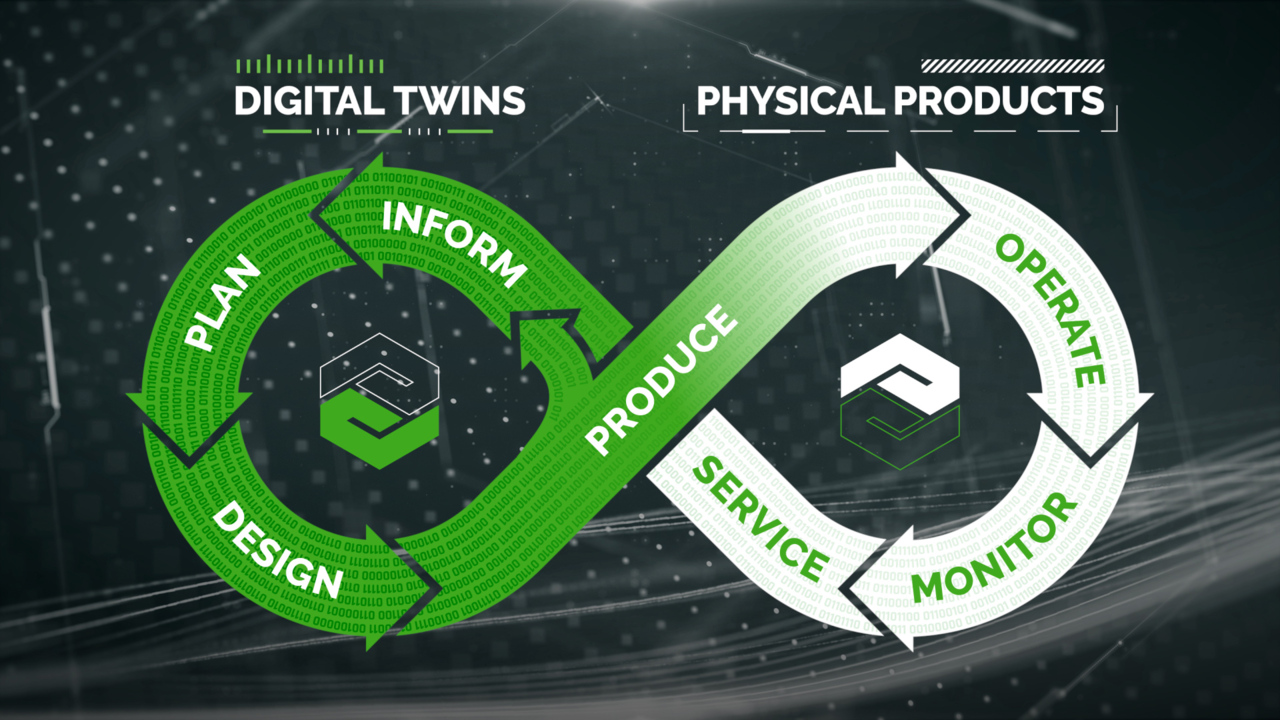
In this overview video, you'll learn about PTC’s comprehensive portfolio, which integrates engineering, manufacturing, sales, and service, helping you find significant efficiencies, gain a competitive advantage, and transform the way you do business.
6:56
-
Play video Hill Helicopters Presenter Support - 04 - Service
Hill Helicopters Presenter Support - 04 - Service
8:52
-
Play video Creo Parametric Showcase
Creo Parametric Showcase
The flagship application in the Creo Suite, Creo Parametric is the only software you need for 3D CAD. Accelerate innovation and build better products faster, while Creo seamlessly takes you from product design to manufacturing and beyond.
9:54
-
Play video Bobcat Tech Overview - 01 - Engineering
Bobcat Tech Overview - 01 - Engineering
See how PTC Orbit, Windchill, Codebeamer, Creo, NVIDIA Omniverse and ServiceMax connect insight, change, design, simulation and testing for Bobcat’s E17z, enabling faster iteration, stronger validation and confident design decisions.
3:55